DWDana WhitfieldFounder, Northfield Studio · 2h
We raised our day rate by 30% this year. Lost two clients. Gained three better ones.
The hardest part wasn’t the number. It was saying it out loud on the first call.
ReactCommentShare
Noivq reads the post you’re on and suggests three drafts, each from a different angle. You pick one, edit it, and post it yourself.
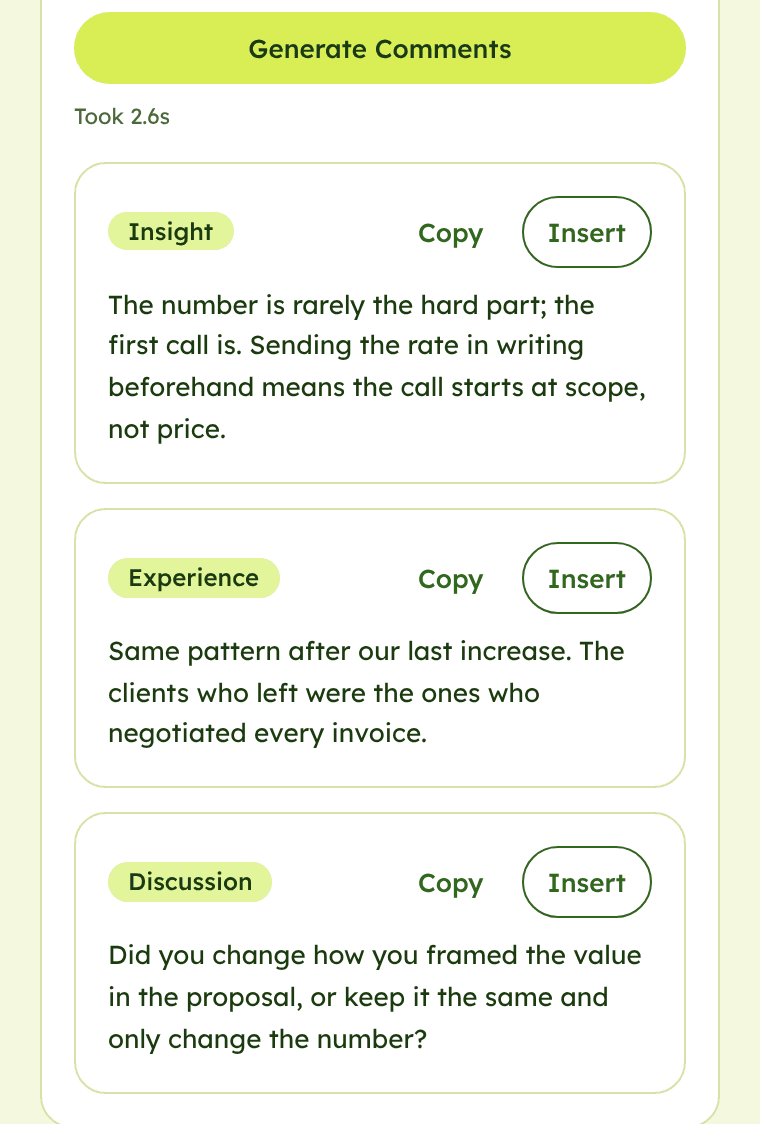
One post, followed from the feed to your published comment.
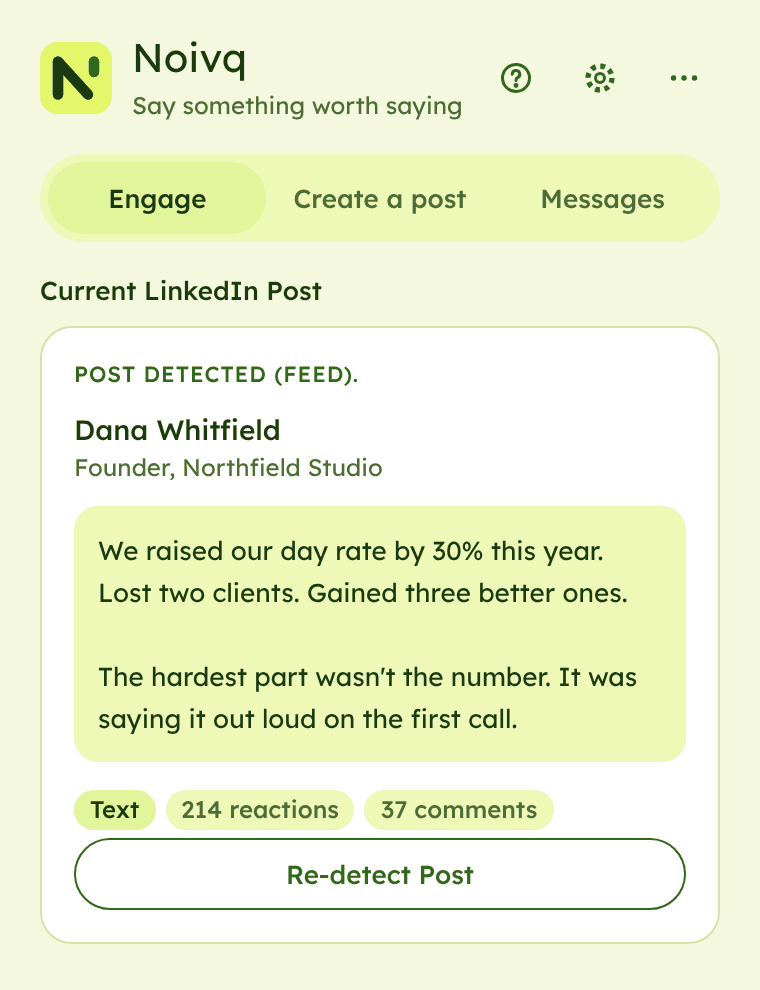
Open a post on LinkedIn, open the Noivq side panel and press Detect Post. Noivq reads that one post and nothing else.
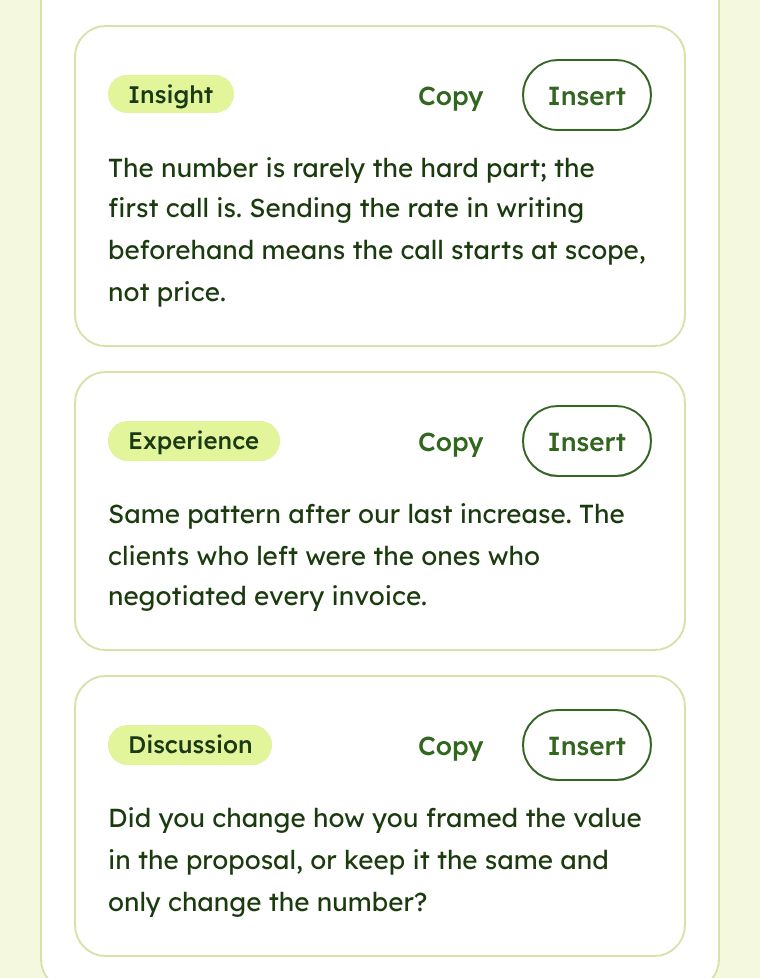
Press Generate Comments. Each draft takes a different angle: an insight, your experience, or a question that starts a discussion.
Insert puts your pick in LinkedIn’s comment box. Change what you like, then press LinkedIn’s own button. Noivq never posts, reacts or sends anything for you.
Pick a type to see what the panel gives you.
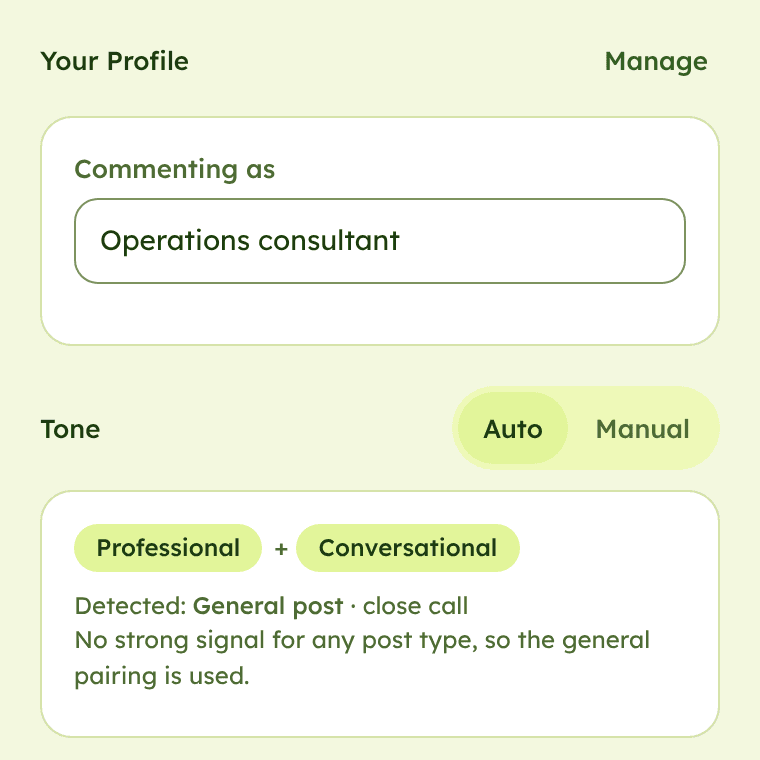
Noivq has no server. When you generate a draft, the post text goes from your browser straight to the AI provider you picked, using your own API key. Nothing passes through us.
Three steps, one time. After that, Noivq is a click away on every post.
Add Noivq from the Chrome Web Store. It’s free and opens as a side panel.
Paste a key from Gemini, OpenAI, Anthropic or OpenRouter in Setup → AI connection.
Get a key in 2 minutes →Open a post, press Detect Post, then Generate Comments, and pick the draft that says what you’d say.
No. Noivq suggests drafts and can put the one you pick into LinkedIn’s box. You review it and press LinkedIn’s own button to post, reply or send. Noivq never posts, comments, reacts or sends messages by itself.
Your key is stored only in your browser profile. It is not synced to other devices, and LinkedIn pages cannot read it. It is sent only to the provider you chose, over HTTPS. Never paste it into a post, a message or an email, including one to us.
Gemini, OpenAI, Anthropic and OpenRouter. You choose one in Setup → AI connection and paste your own API key. The guide shows how to get a key from each one.
Yes, the extension is free. It uses your own API key, so your AI provider may charge you for what you generate, depending on its plan. Some providers offer a free tier with usage limits.
Free. Your own AI key. You press Post.